Local experience, proven outcomes

UniPixel Logo
WordPress Plugin

More accurate measurement through server-side data delivery for richer website events and eCommerce data for Meta, TikTok and Google.

Buildio
Modern tracking for browser limits

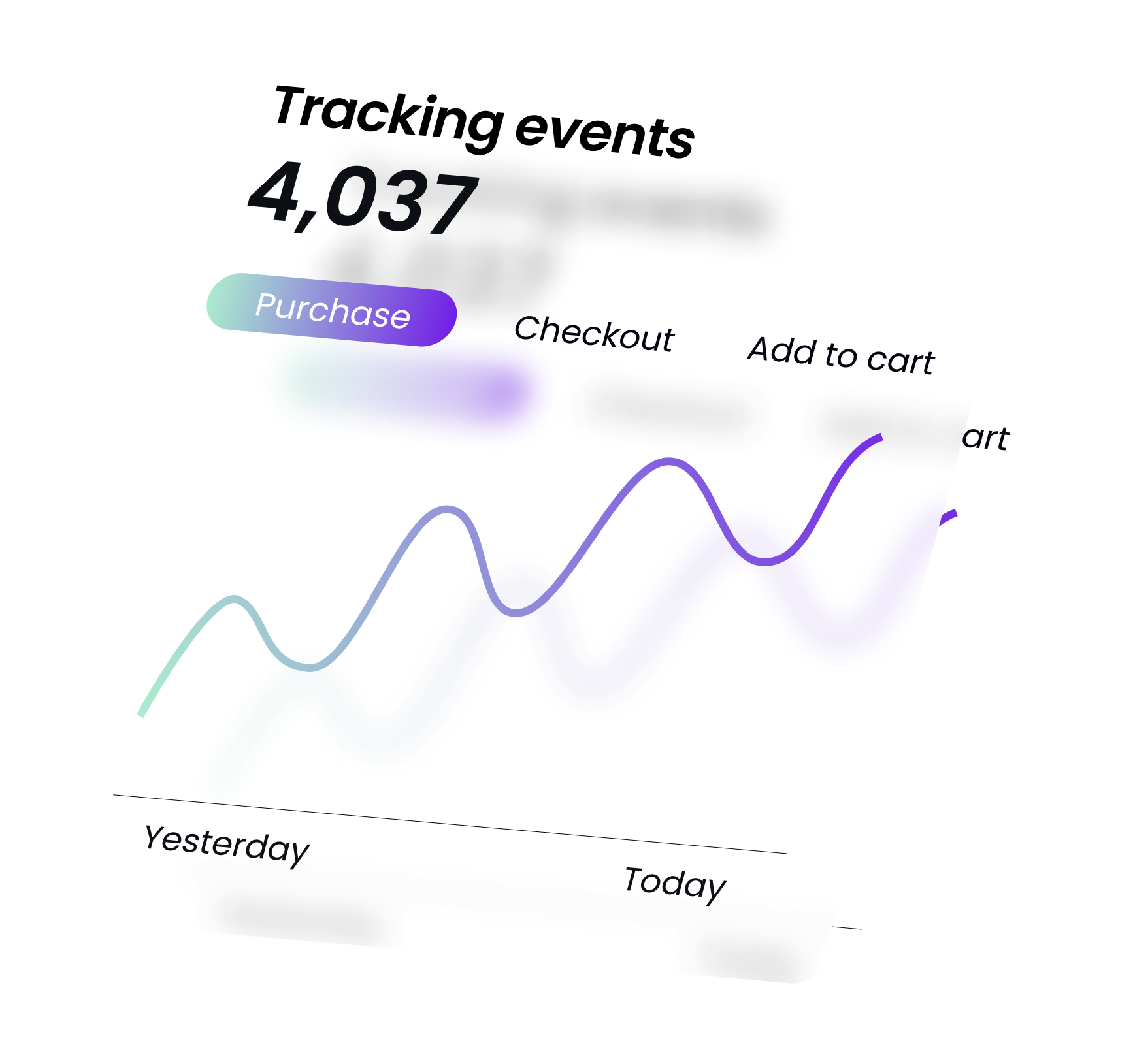
Next-level event tracking powered by server-side data

As browsers and devices limit tracking, UniPixel makes measurement more accurate through server-side data delivery, providing richer, compliant information that helps platforms optimise with confidence.

  • Send events client-side and server-side
  • No extra apps, servers, or separate domains
  • Automatic deduplication across platforms
  • Consent-aware and fully privacy compliant
  • WooCommerce and custom event support
  • Live event viewer and stored event logs
Explore how it works

Capture more from every interaction

UniPixel keeps your tracking accurate, compliant, and complete. It bridges the gap between browser limitations and modern privacy standards — so your event data remains reliable, detailed, and ready for optimisation.

Image Description

Download UniPixel for WordPress

Get the plugin directly from WordPress.org

Tracking is changing fast.

Browsers and devices are shutting down the tracking methods marketers have relied on for years. Cookies expire, scripts are restricted, and ad blockers cut off visibility. Businesses lose conversions in the data and can’t see what’s really driving results.

Server-side tracking restores that visibility by sending events directly and securely from your own server. The result is more reliable metrics and a clearer picture of customer behaviour.

UniPixel bridges the gap.

UniPixel combines client- and server-side tracking to keep event data flowing accurately and completely. It captures more from every interaction while respecting privacy and consent.

  • Reliable event delivery, even when browsers block scripts
  • Richer event information for improved attribution
  • Ad-blocker resilience to recover lost conversions
  • Consent-aware data handling for compliant operation
  • Better advertising performance from higher-quality data

Accurate data that drives smarter marketing.

With UniPixel, your analytics and ad platforms receive richer, verified conversion data through secure server connections. You gain better attribution, stronger optimisation, and clear visibility into what truly performs.

Key Features

Everything you need for modern event tracking

Fine-tuned control

Decide exactly how each event is sent — client-side, server-side, or both — with simple, transparent controls.

Works with Meta, TikTok and Google

Fully integrated with Meta Conversion API, TikTok Events API, and Google server-side tagging.

WooCommerce rich event data

Tracks key commerce actions — product views, add-to-cart, purchases — automatically with full value and product data.

Custom events

Create and manage your own event triggers for buttons, forms, or any interaction you want to measure.

Consent-aware and privacy compliant

Integrates directly with your site’s consent framework, sending events only when permission has been granted.

Simple setup and clear configuration

Clean layout, guided setup, and sensible defaults make configuration straightforward — no code editing required.

Live event viewer

See events fire in real time, verify payloads, and debug any setup with full visibility from within WordPress.

Stored event logs

Review event history across all visitors and sessions to understand performance and diagnose issues quickly.

Download UniPixel for WordPress

Get the plugin directly from WordPress.org

More About UniPixel

Learn how UniPixel’s features work together to provide accurate, privacy-safe tracking.

Consent & Popup Banner

UniPixel includes a built-in consent manager that aligns with your site's existing cookie banner or provides its own lightweight popup. It pauses all tracking until the visitor gives consent for marketing or performance categories, ensuring compliance with privacy laws. Because it runs natively in WordPress, consent handling is immediate and consistent across all UniPixel events.

Custom Events

Beyond standard WooCommerce actions, UniPixel allows you to define custom events for clicks, views, form submissions, and more. Each custom event can send data via client-side, server-side, or both, using the same event ID system that powers deduplication. This flexibility turns any site interaction into measurable, optimized event data without complex code or external tag managers.

WooCommerce Coverage

UniPixel automatically tracks all major WooCommerce events — including ViewContent, AddToCart, InitiateCheckout, and Purchase. Each event includes structured order and product details that match platform expectations for Meta, Google, and TikTok. This ensures your campaign data reflects the full customer journey and supports reliable conversion optimization.

Recommended Settings

The “Recommended Settings” option in UniPixel applies balanced defaults for each platform, optimized for event accuracy and performance. It automatically enables safe combinations of client and server sending, respects consent logic, and applies deduplication automatically. These presets are ideal for most stores, giving a solid foundation that can be customized anytime.

Logging & Testing Features

UniPixel’s built-in Testing Console lets you see every event fire in real time right from your browser, while server-side logs record each platform request for later review. The console lives inside your WordPress admin and displays full event details as they occur. Combined with optional database storage, this gives you full visibility into your event flow for easy debugging and verification.

Deduplication

Every UniPixel event includes a unique identifier so that browser and server versions of the same action are merged automatically. Meta and TikTok use this event ID for one-to-one matching, while Google relies on shared client and session identifiers. This approach prevents inflated counts and ensures consistent, trustworthy reporting across all advertising platforms.